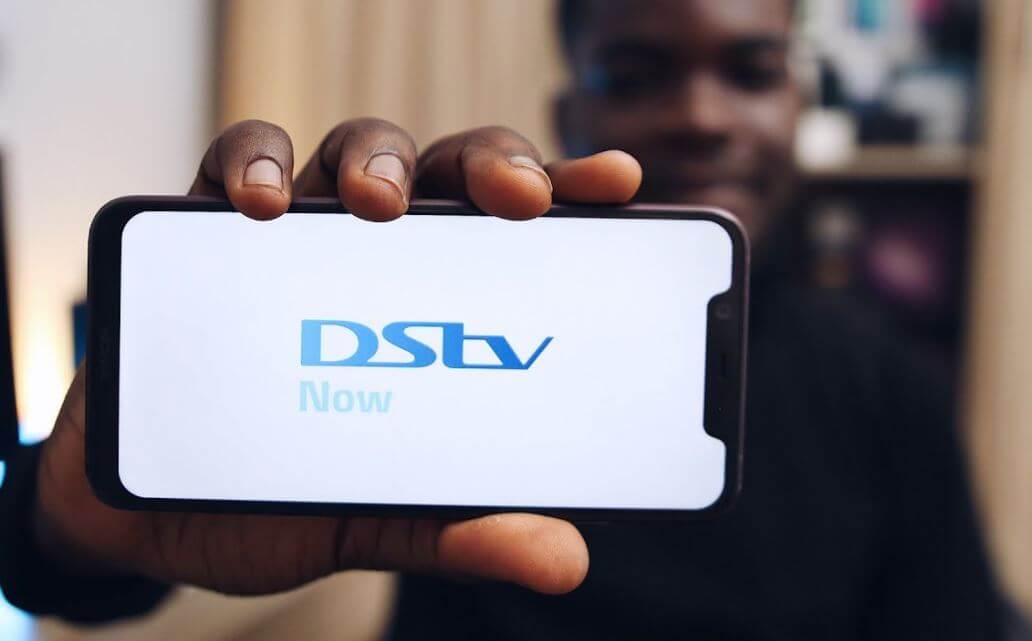
DStv Now App South Africa (Dstv App) allows DStv customers to watch their favourite DStv channels online and on the go. DStv (formerly DStv Now), is a convenient alternative to traditional satellite TV. In this article, you will learn more about what is DStv Now, DStv Now Log and how to get DStv App in South Africa.
ALSO READ: How to Pay DStv Online in South Africa
What is DStv Now?
DStv Now is an online streaming service for DStv customers. The streaming service has now been renamed DStv. It allows DStv customers to watch their favourite DStv channels online on their Smart TVs, smartphones, laptops, tablets and computers. Instead of customers accessing their favourite programs via a decoder, viewers can use the above compatible devices to catch up on shows or live-stream DStv content.
To access DStv, users need to download the free DStv Now App which is available for both iOS and Android devices. The DStv Now Application is compatible with most Smart TVs including Hisense, Samsung and LG and smartphones such as iPhone, Huawei and Samsung, as well as video game consoles such as Xbox and PlayStation.
DStv Now App Advantages
The DStv Now App comes with lots of advantages and added benefits. Here are some of the advantages of the DStv App:
- Free for DStv Customers no matter your package
- It comes with features such as Catch Up
- You can connect up to four devices on one account
- You can watch your favourite TV shows on the go
- It uses less data for HD content
- It includes local content via Live TV
- The DStv Now App allows you to easily keep track of your favourite shows
How to Get DStv Now App in South Africa
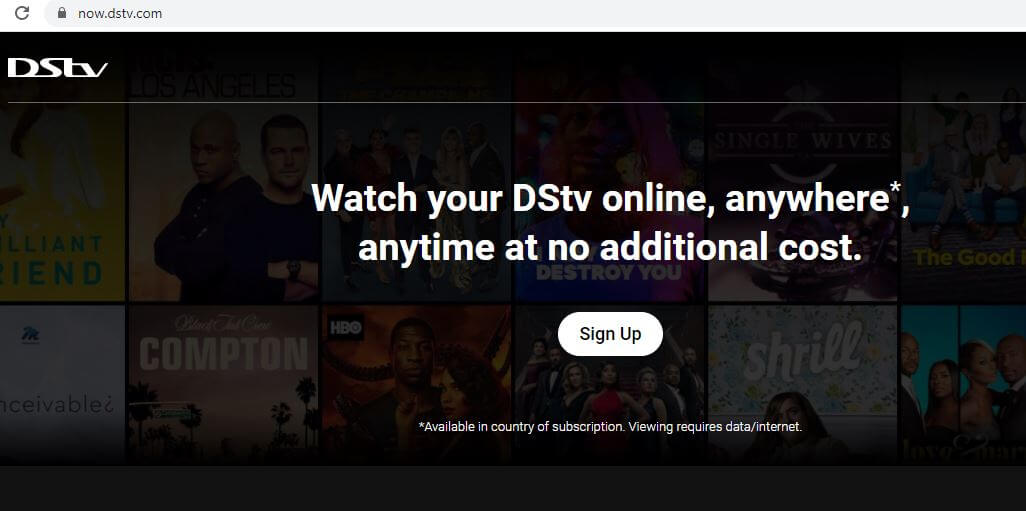
The DStv Now App is available for free download from the Google Play Store and Apple App Store in South Africa. You can also download the application from the DStv website at now.dstv.com. Here’s how to get DStv Now in South Africa:
- Step 1: Open your Internet browser
- Step 2: Go to now.dstv.com and click “Sign Up” button or download the DStv app on Google Play Store or Apple App Store to follow the same steps.
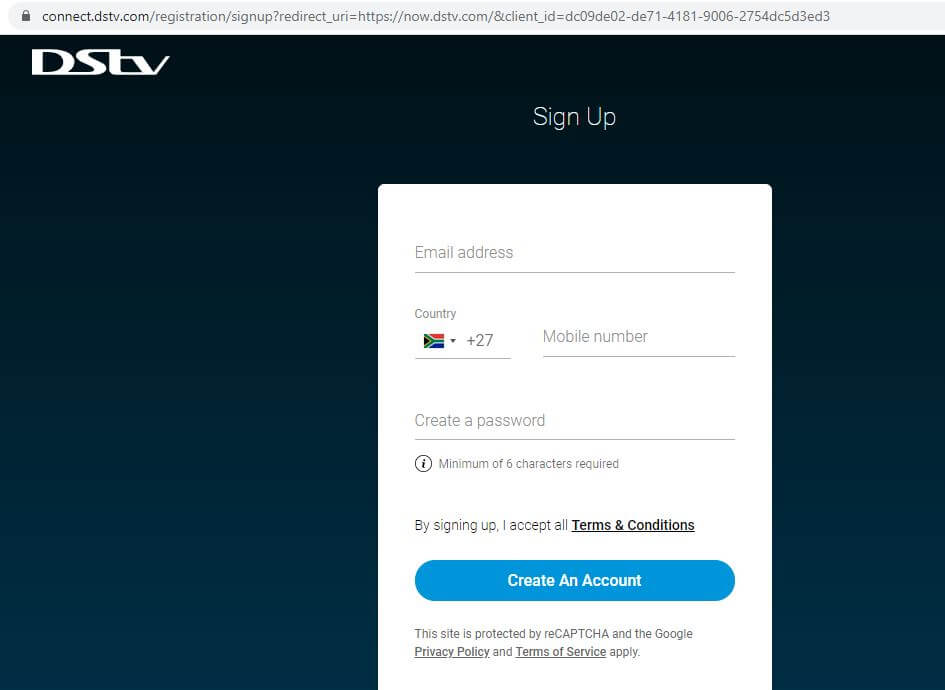
- Step 3: A form will pop up requesting you to fill in your email address and mobile number and create a password.
- Step 4: Then click “Create An Account”
- Step 5: In the next step, if you are not a DStv subscriber, then select the “Skip” option
- Step 6: If you have a DStv Account, link your DStv to your account online by completing the form with your account-holder ID number and DStv customer number (or smartcard number).
- Step 7: You will receive an activation link will be sent to your email. Click on the link to complete the activation process.
- Step 8: After this, log into your DStv Now account and start watching your favourite shows online on the mobile application or via now.dstv.com
How Much Does DStv Now Cost in South Africa?
DStv Now is a free application and anyone who has a DStv account can start watching content online. In South Africa, whether you are on the Premium or Compact package, you will be able to access all the channels that are associated with your DStv subscription plan via your decoder.
However, the DStv Now Application uses data. Just make sure that you have enough data for streaming.
Image Courtesy: YouTube.com