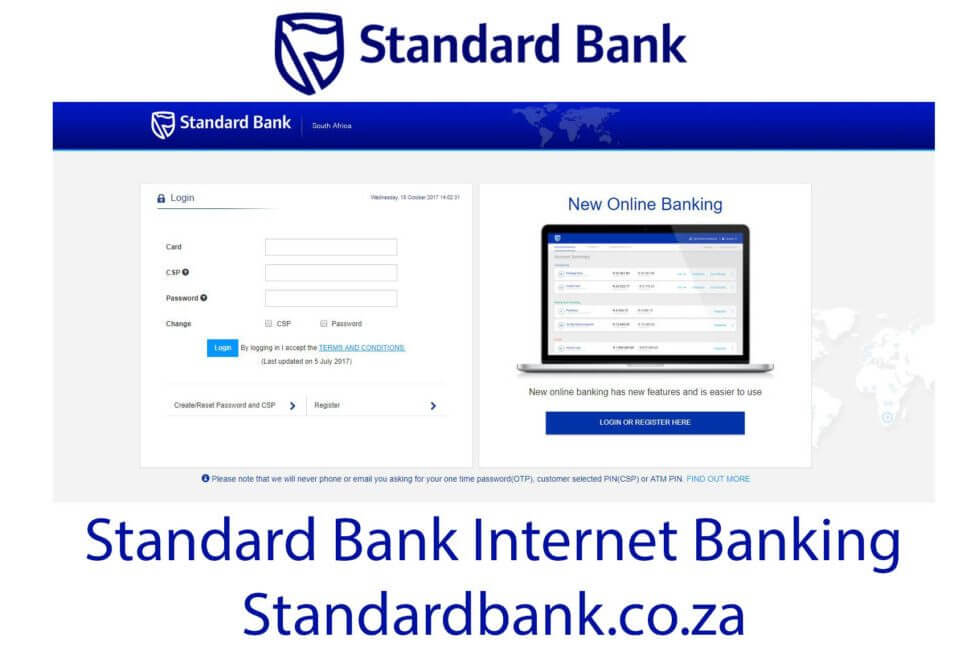
Do you know how to use Standard bank internet banking in South Africa for 2020? The Standard Bank of South Africa Limited is one of the biggest banks in the country.
ALSO READ: Best bank for Forex trading in South Africa revealed
With the rise of technology and online banking, the Standard Bank South Africa saw the need to embrace online banking. The bank has since launched the Standard Bank internet banking service for its customers.
What is online banking and what is its purpose?
Online banking, also known as web banking or internet banking, is an electronic payment system that allows bank clients or customers of other financial institution to perform a range of financial transactions through the financial institution’s website.
With Standard bank internet banking, you can pay bills, transfer funds, check your bank balance and monthly bank statements. To access online banking, you need an internet connection and a smartphone, tablet, laptop or computer.
How to use Standard Bank internet banking
You need to create your online profile to unlock the full range of StandardBank do-it-yourself banking features and start managing your funds from any device. Before you can register for Standard Bank internet banking SA, you must meet some registration requirements needed by the bank. You must either have a valid MasterCard credit, Auto Bank, E plan card or Business Auto Bank, accompanied by an ATM PIN.
How to register for Standard Bank online banking
Follow the below steps to register for online banking at the Standard Bank of South Africa. These steps are easy to follow.
Step 1: Visit Standard Bank South Africa official website at standardbank.co.za using your mobile device or laptop/computer
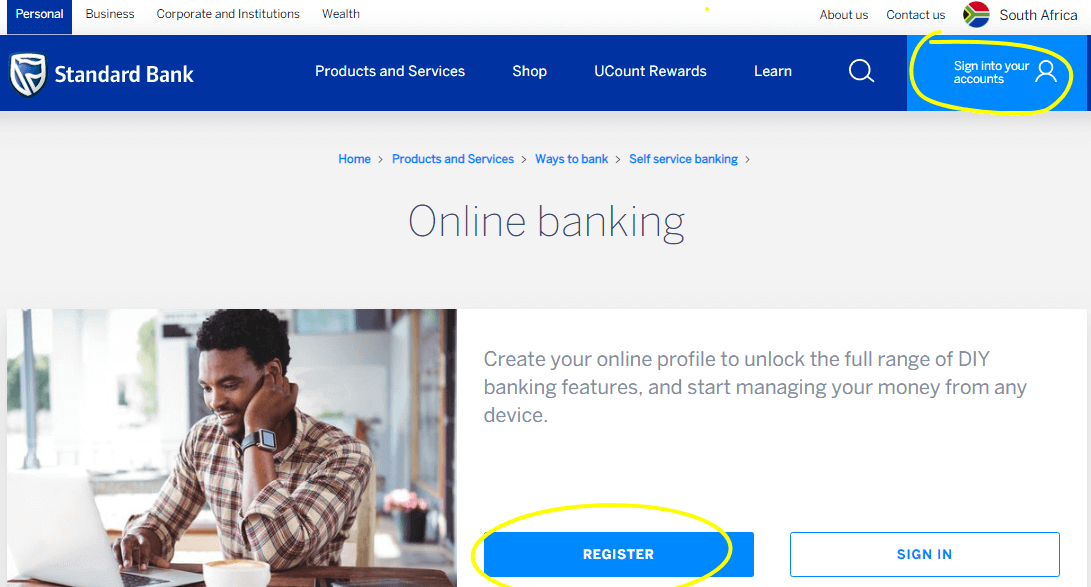
Step 2: On the right hand menu, tap on the “Sign into your accounts” and click on “Internet Banking”
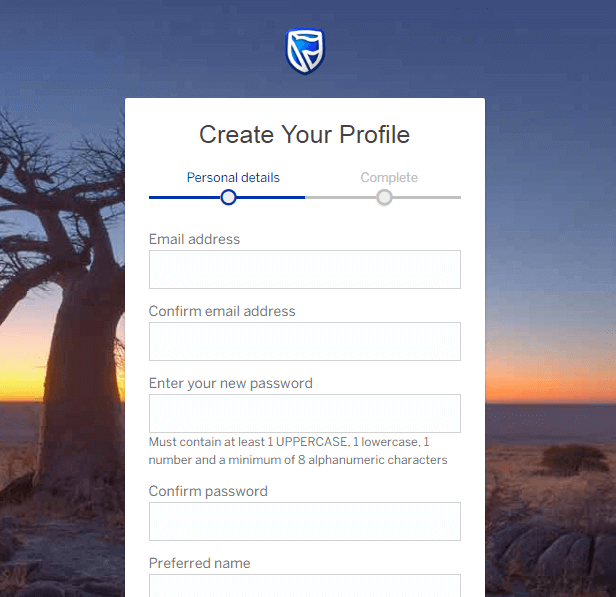
Step 3: Click on the “Register for online banking” and complete your personal details
How do I log into Standard Bank online banking
After you have successfully registered for online banking, you can now log into your profile and start performing any financial transaction. Use your username or email and password. You can also use your card number and the Customer Selected Password (CSP) together with your password.
What Can I do once I logged into StandardBankinternetbanking?
You can perform the following using online banking:
- Apply for a personal loan or credit card
- Manage payments and transfers
- Make international payments
- Check balances
- Reverse debit orders under R200 for free
- Change payment and withdrawal limits
- Change your overdraft limit
- Pay your Tax Returns
- Pay your traffic fines
- Manage your savings and investment accounts
- Send Instant Money to anyone’s cellphone in South Africa
- Make inter-account transfers
- Make once-off, future dated and repeat payments
- Buy prepaid airtime, data and electricity
- Get your personal or business IT3(b) tax certificates
Are you Standard Bank Customer already?
You can head to the StandardBank website register to create your online profile. Then link your Standard Bank cards to your profile.
If you are using their mobile app, you can sign in with the same email address and password for the app.
Image Courtesy: standardbank.co.za