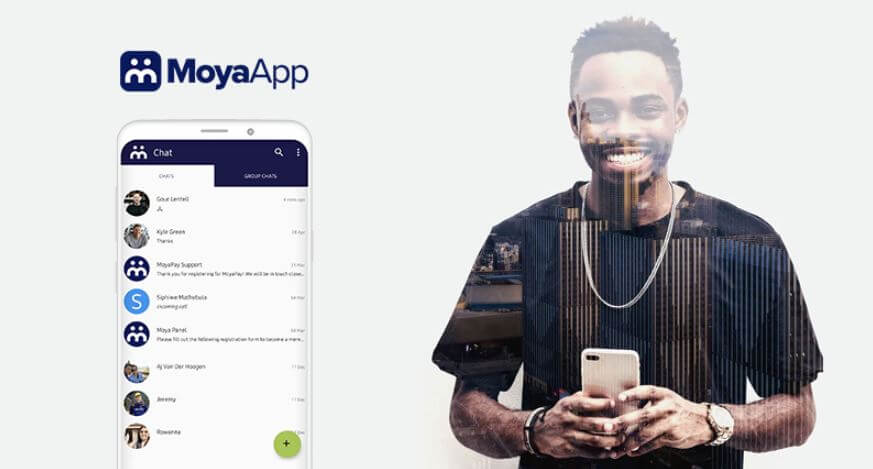
The Moya app is a data-free messaging app that was developed in South Africa by biNu. It does not use any of your data bundle or airtime balance, and it works without any data cost on mobile networks such as MTN, Vodacom, Cell C, and Telkom.
How to Check SASSA Status with Moya App
To check your SASSA status using the Moya app, follow these steps:
- Download the Moya App from the Google Play, Apple App Store or Huawei AppGallery.
- Once the Moya App is installed, click “Open”
- Go to Discovery and select the “SASSA Grant”
- Then scroll down to the “Check SASSA SRD status”
- Then click the “Application Status” button
- Enter your South African ID and the cellphone number used to submit your application
- Click the “Submit” button
- You should be able to see your Sassa Status
What Is Moya App?
Moya App is a messaging application that was developed by biNu, a company based in South Africa. The app was designed to provide a data-free messaging experience to users in South Africa, meaning that it doesn’t consume any of your data bundles or airtime balance. Moya App is available for download on both Android and iOS devices.
The app allows users to send and receive text messages, voice notes, images, and videos without incurring any data charges. It also features a group chat function that enables users to chat with multiple contacts at the same time. In addition, Moya App has a “SASSA” button that allows users to check their SASSA grant status without using any data.
Moya App is compatible with mobile networks such as MTN, Vodacom, Cell C, and Telkom, and it is widely used in South Africa, particularly by those who cannot afford to spend money on data bundles or airtime.
FAQs
Here are some frequently asked questions (FAQs) about the Moya App:
What is Moya App?
Moya App is a messaging application that provides a data-free messaging experience to users in South Africa. The app allows users to send and receive text messages, voice notes, images, and videos without incurring any data charges.
Who developed Moya App?
Moya App was developed by biNu, a company based in South Africa.
Is Moya App free?
Yes, Moya App is free to use. It does not consume any of your data bundles or airtime balance, and it works without any data cost on mobile networks such as MTN, Vodacom, Cell C, and Telkom.
How do I download Moya App?
You can download Moya App from the Google Play Store, Huawei AppGallery or Apple App Store.
How do I register for Moya App?
To register for Moya App, you need to enter your mobile number when you first open the app. You will then receive a verification code via SMS, which you will need to enter into the app to complete the registration process.
Can I use Moya App to check my SASSA grant status?
Yes, Moya App has a “SASSA Status Check” option that allows users to check their SASSA grant status without using any data.
Can I use Moya App to make voice or video calls?
No, Moya App does not currently support voice or video calls.
Is Moya App available outside South Africa?
No, Moya App is currently only available in South Africa.
Is my personal information safe on Moya App?
Yes, Moya App uses end-to-end encryption to ensure that your messages and personal information are kept private and secure.
Can I use Moya App without a SIM card?
No, you need a valid mobile number and SIM card to register and use Moya App.
Conclusion
In conclusion, Moya App is a messaging application that provides a data-free messaging experience to users in South Africa. It allows users to send and receive text messages, voice notes, images, and videos without incurring any data charges. The app was developed by biNu and is free to use, with no data cost on mobile networks such as MTN, Vodacom, Cell C, and Telkom. Moya App also features a “SASSA Status Check” button that allows users to check their SASSA grant status without using any data. The app is available for download on the Google Play Store and Apple App Store and requires a valid mobile number and SIM card to use. Overall, Moya App is a useful and convenient messaging app that has gained popularity among users in South Africa who cannot afford to spend money on data bundles or airtime.
Image Courtesy: moya.app