• About Us
  • Contact Us
  • Advertise With Us
  • Privacy
  • Terms and conditions
Saturday, October 17, 2026
Quick Read Magazine
  • Home
  • News
  • Business
  • Finance
  • Entertainment
  • Jobs
  • Technology
No Result
View All Result
  • Home
  • News
  • Business
  • Finance
  • Entertainment
  • Jobs
  • Technology
No Result
View All Result
QuickRead.Co.Za
No Result
View All Result
  • Home
  • News
  • Business
  • Finance
  • Entertainment
  • Jobs
  • Technology

Home » Banking » How to Pay Shein Using Capitec In South Africa?

How to Pay Shein Using Capitec In South Africa?

How to Pay Shein Using Capitec

Hlulani Baloyi by Hlulani Baloyi
4 August 2023 - Updated on 4 March 2024
in Banking, Finance, Shopping
Reading Time: 2 mins read
How to Pay Shein Using Capitec In South Africa

How to Pay Shein Using Capitec South Africa

How to pay Shein using Capitec Bank in South Africa? Capitec is a South African bank that offers a variety of banking services, including online payments. You can use your Capitec debit or credit card to pay Shein, a popular online retailer.

How to Pay Shein Using Capitec?

You can pay Shein using Capitec in South Africa in two ways:

  1. Through the Shein website or app. When you check out on Shein, you will be given the option to pay with a debit or credit card. Select the Capitec option and enter your card details.
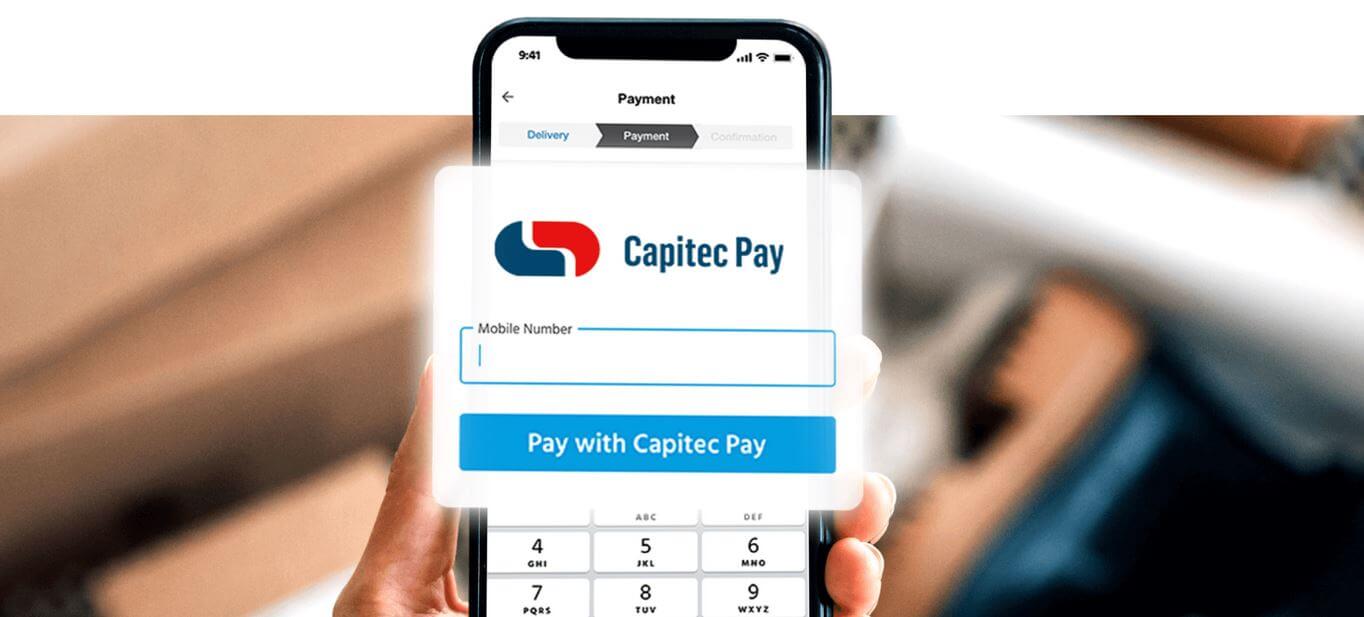
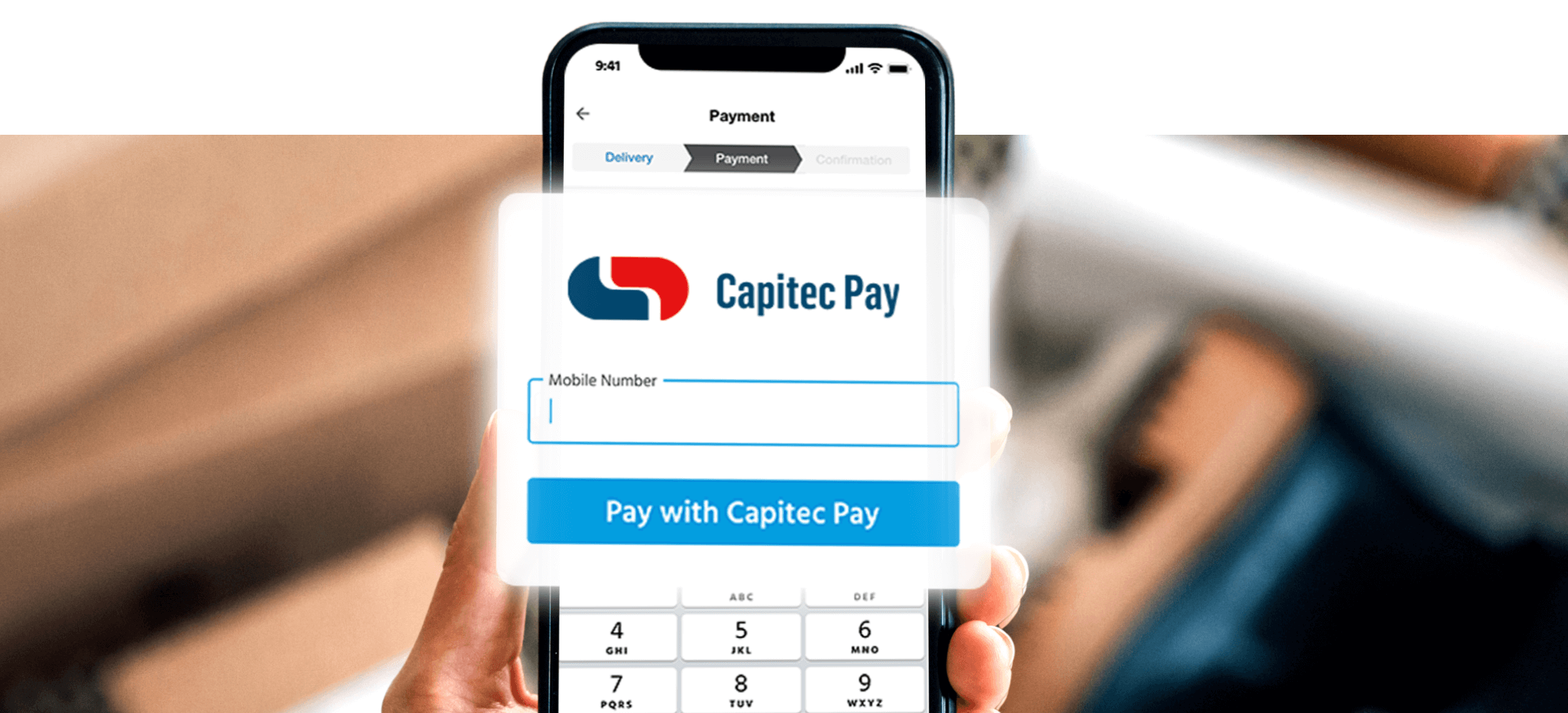
  2. Through the Capitec Pay app. The Capitec Pay app allows you to make secure online payments without having to enter your card details each time. To pay Shein with Capitec Pay, follow these steps:
    1. Choose Capitec Pay through the payment provider
    2. Enter your cellphone, account or ID number
    3. Sign in on the Capitec app, tap Transact
    4. Choose Capitec Pay to approve your payment

Here are the steps on how to pay your Shein bill in South Africa:

  1. Go to the Shein website or app and log into your account.
  2. Click on the “My Orders” tab.
  3. Find the order you want to pay and click on the “Pay Now” button.
  4. Select the Capitec option and enter your card details.
  5. Click on the “Pay” button.

Your payment will be processed and your order will be shipped.

Here are some things to keep in mind when paying Shein using Capitec:

  • The Capitec Pay app is only available for Android and iOS devices.
  • You will need to have a Capitec bank account in order to use the Capitec Pay app.
  • The Capitec Pay app does not charge any fees for online payments.
  • Shein may charge a processing fee for credit card payments.

Benefits Of Paying Shein Using Capitec

Here are some of the benefits of paying Shein using Capitec:

  • Convenience: You can pay for your Shein orders quickly and easily using your Capitec debit or credit card.
  • Security: Capitec uses a secure payment system to protect your personal and financial information.
  • Flexibility: You can pay for your Shein orders through the Shein website or app, or through the Capitec Pay app.

If you’re looking for a convenient, secure, and flexible way to pay Shein, then paying with Capitec is a great option.

Here are some additional tips for paying Shein using Capitec:

  • Make sure that you have the latest version of the Capitec Pay app installed on your device.
  • Check the order details carefully before making a payment.
  • Keep a record of your payment confirmation number.

Image Courtesy: Capitec
Tags: CapitecCapitec BankCapitec Pay appHow to pay Shein using Capitec
Share
Tweet
Send
Previous Post

Katie Mohamed and Lynn Forbes launch insightful new podcast “Outspoken Owls”

Next Post

The Estate Teasers August 2023: The Estate Teasers for August 2023

Hlulani Baloyi

Hlulani Baloyi

Hlulani Baloyi is a contributing writer at Quick Read. Studied Journalism at Rosebank College. Loves reading books. Passionate in exploring and cooking local cuisines. Enthusiastic as an amateur cricket player.

Related Posts

Capitec Vacancies in South Africa

How To Apply For Capitec Vacancies 2026, Apply Online in South Africa

6 November 2025
Loans in South Africa

Everything You Need to Know About Loans in South Africa

6 October 2025
Capitec Bank hits 13 million customers

Everything You Need To Know About Capitec Bank South Africa

4 October 2025
How to Reverse Payment on Capitec App That Is Not a Debit Order

How to Reverse Payment on Capitec App That Is Not a Debit Order

4 August 2025
How Do I Register My CV at Capitec Bank

How Do I Register My CV at Capitec Bank?

27 July 2025
How Do I Apply For a Job at Capitec Bank via SMS

How Do I Apply for a Job at Capitec Bank via SMS?

27 July 2025
Next Post
The Estate Teasers August 2023

The Estate Teasers August 2023: The Estate Teasers for August 2023

Latest Posts

Pollo MCP

How to Use Pollo MCP with Claude to Create E-commerce Product Video Ads

16 October 2026
iGaming SEO Agency Comparison

How to Choose an iGaming SEO Company for a Competitive Betting Market

16 October 2026
Texas Hold’em betting

How Betting Works in Texas Hold’em: Rules, Bet Sizes, and Betting Rounds

16 October 2026
Cristiano Ronaldo Shows Tools for Greatness Often Turn Against Their Holders

Cristiano Ronaldo Shows Tools for Greatness Often Turn Against Their Holders

16 October 2026
How Much Deposit Do You Need to Buy a House in South Africa

How Much Deposit Do You Need to Buy a House in South Africa?

7 October 2026
  • About Us
  • Contact Us
  • Advertise With Us
  • Privacy
  • Terms and conditions
Follow Us

QuickRead.Co.Za | All Rights Reserved

No Result
View All Result
  • About Us
  • Advertise With Us
  • Contact Us

QuickRead.Co.Za | All Rights Reserved