
myUCT the University of Cape Town (UCT) cloud-based solution that the ICT department of the University uses. UCT students can access myUCT Email to login to compose, send and receive emails.
ALSO READ: CPUT Student Email: How to Access CPUT Email
What is myUCT?
myUCT is the official University of Cape Town’s cloud-based solution that the Information and Communication Technology (ICT) department of the University innovated. my UCT tasks such as user-support and email administration, are some of the things that the department can handle.
How Do I Register for myUCT Email?
At registration you will be provided with an email address in the format [email protected]. Your mailbox is hosted on Microsoft’s Office 365 cloud and includes a free copy of Microsoft Office for the duration of your studies. Undergraduate, honours, masters and doctoral students get a 100GB mailbox, an instant messaging (IM) client and 1TB of secure cloud storage space on OneDrive.
Your Office 365 email address is supported on Windows, Mac & Linux and is accessible using Safari, Chrome, Firefox and Internet Explorer. Your myUCT email address is an ‘email address for life’, meaning that it will still be available after you graduate (should you not graduate, you will not retain your email address). Your email address will change to [email protected] once you graduate.
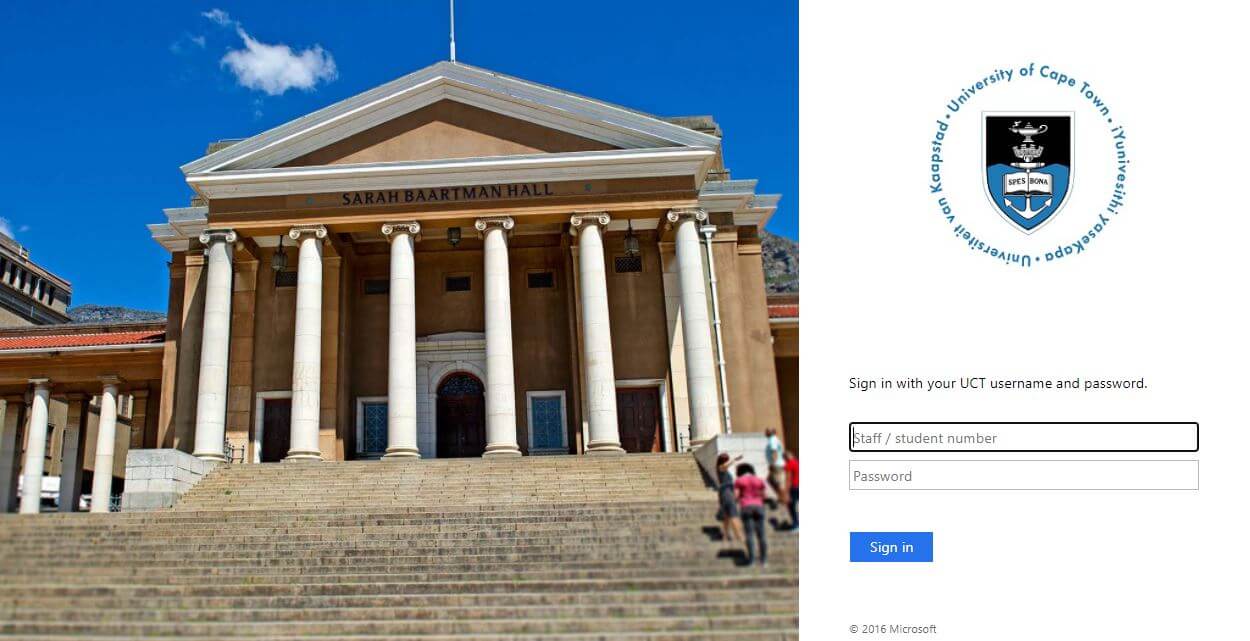
How to Login to myUCT / myUCT Login
To access your mailbox, follow the below steps:
- Step 1: Open a browser
- Step 2: Go to https://outlook.com/myuct.ac.za
- Step 3: Enter your staff / student number and password
- Step 4: Click “Sign In” to open your mailbox
Server Settings for Your myUCT account
These email settings should be used when setting up IMAP (Internet Message Access Protocol) email clients on your desktop or mobile devices.
Incoming mail server settings
- Username: [email protected]
- Password: Your UCT Network password
- Server: outlook.office365.com
- Port: 993
- Encryption method: SSL
Outgoing mail server settings
- Username: [email protected]
- Password: Your UCT Network password
- Server Name: smtp.office365.com
- Port: 587
- Encryption method: TLS
How to Access Access OneDrive
Please note that once you leave University of Cape Town (UCT), you will no longer be able to access OneDrive. You will therefore need to move any data you had in this location to other storage.
Here’s how to access UCT OneDrive:
- Step 1: Go to http://portal.office.com/
- Step 2: Enter your student email address and leave the password field blank and click “Sign In”
- Step 3: Then enter your UCT student number and password in the respective fields and click Sign In
- Step 4: Click ‘OneDrive’ to access your online storage
Image Courtesy: techradar.com